First of all, below is a FREE SCHEDULE template that you can use to send to your students and their families. Within each cell, you can add directions and/or links to resources.
The cells expand as you type, and you can change the font size in each cell. The video further down about how to use the Family Contacts log will show you the skills you need to work in this Google Doc.
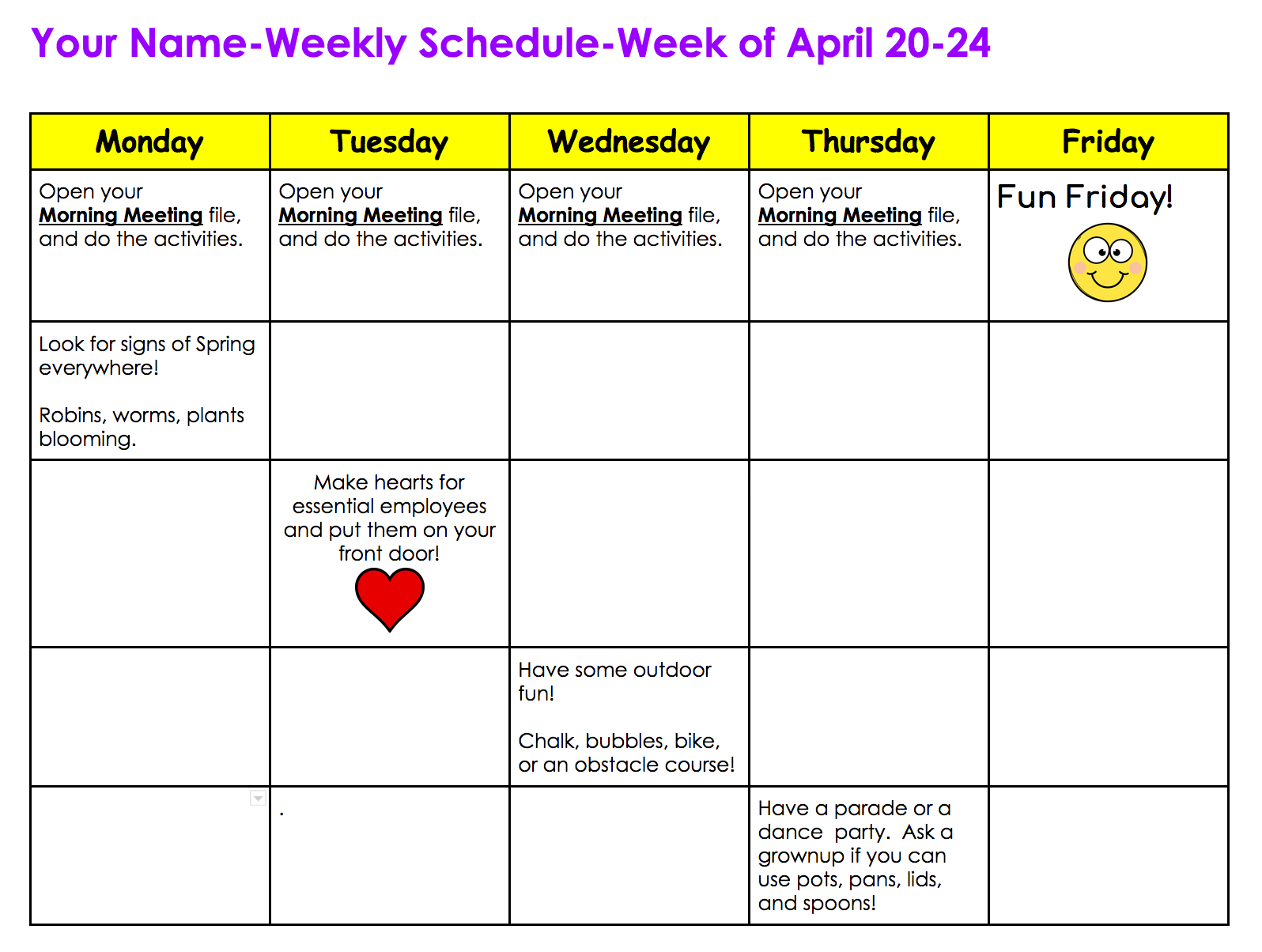
https://docs.google.com/document/d/1aRW3-SozlIoVaeKq9AanOyDH6ESJ93IdKvb8P0BZ4Fo/copy
You will be prompted to make your own copy. Each week, you should create a new copy by choosing FILE and sliding to MAKE A COPY, and name it with the current week’s date.
Then, re-share with students. That way, you will have a record of each week.
Would you like to keep track of your contacts with families during this challenging time?
Here is a Google Doc with a simple table that can also be used collaboratively with any specialists who are interacting with your students.
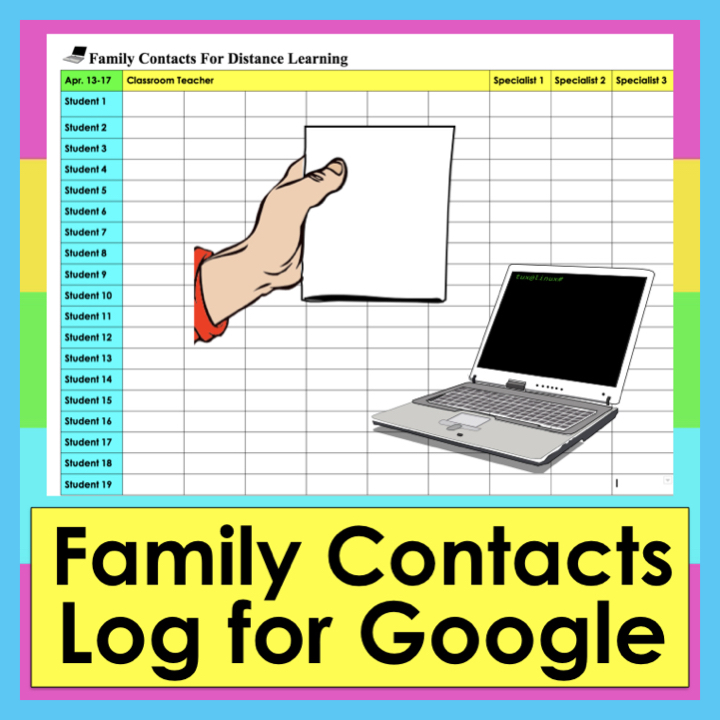
https://www.teacherspayteachers.com/Product/Parent-Contacts-Communication-Log-For-Google-Docs-Distance-Learning-PDF-wLINK-5457221
Here is a video to show you how to use tables in Google docs:

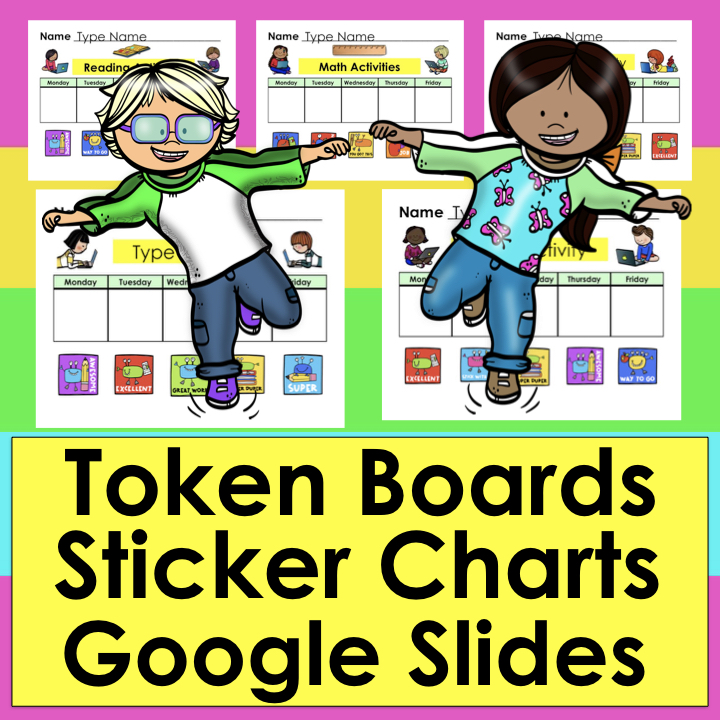
https://www.teacherspayteachers.com/Product/Token-Boards-Sticker-Charts-For-Google-Click-Drag-Distance-Learning-PDF-wLINK-5457654
The one above has room for multiple subjects, and 4 of the subjects have EDITABLE titles.

https://www.teacherspayteachers.com/Product/Token-Board-For-Google-Slides-Distance-Learning-PDF-wLINK-5458104
The one above is a token board where students can choose what they are working for, and then keep progress of the tasks they have completed to earn it. There are 12 pictures to choose from, but you can remove any you don’t want and insert your own images.
I hope you are doing well, and I know your students and their families truly appreciate all of you hard work during this challenging time.
If there’s anything you need that you can’t find, please send me an email at lindapost.edu@gmail.com, and I will try to create it for you. I will send it to you FREE of charge in a email for your feedback on it.
Take care, and be healthy…
Linda
P.S. Check out my other Distance Learning items in this custom folder:
https://www.teacherspayteachers.com/Store/Linda-Post-The-Teachers-Post/Category/Digital-Interactive-Resources-GOOGLE-BOOM-CARDS-INTERACTIVE-PPTs-246987